
TakeCost vs Bluebeam (2026): Pricing & Feature Comparison
TakeCost vs Bluebeam.
From marked-up plans to a priced bid.
Keep your plans, quantities, pricing and proposal moving together with TakeCost. Compare its estimating workflow with Bluebeam’s PDF measurement and document-review tools, including the plan-specific features that matter for your trade.
The quick answer
Your priority is moving from takeoff quantities to a priced estimate and proposal in a browser.
Why choose TakeCost
A simple interface, easy controls and AI Assistant guidance help you work through takeoffs. Search plan details, then carry scope into costs and proposals.
When Bluebeam may fit
Worth considering if PDF reviews, Studio sessions or Excel Quantity Link are central to your work.
Bluebeam pricing vs TakeCost
Compare the useful plan, its billing commitment and the work it covers—not just the number next to “per month.”
From takeoff to proposal.
$49 billed monthly. Annual option also available.
- Unlimited takeoffs
- Smart Scopes and material quantities
- Material/labour pricing and markup
- Proposal and export workflow
Bluebeam pricing
US annual list price. Core: $330; Basics: $260.
PDF markup, document collaboration and Excel-linked quantities.
View official Bluebeam pricing ↗| Plan | Published price | What to compare |
|---|---|---|
| Basics | $260/user/year | Foundational PDF markup and length/area measurement |
| Core | $330/user/year | Advanced measurement, document comparison and Studio hosting |
| Complete | $440/user/year | Dynamic Fill, Excel Quantity Link and batch tools |
| Max | $590 USD/user/year introductory | AI review/comparison and advanced document workflows |
Bluebeam figures are US public annual list prices per user. Max at $590 USD/year is introductory; check renewal eligibility and terms. Regional prices and taxes vary. Checked October 17, 2026. Dollar currencies may differ; prices are not converted. Confirm currency, taxes, seat entitlement and local terms before purchasing.
Which Bluebeam plan is the fair price comparison?
Bluebeam Basics is $260 per user per year and includes length and area measurement. Advanced measurements and hosting Studio collaborations require a higher tier. Core is $330 per year, adding perimeter, counts, volume, drawing comparisons and Studio hosting. Complete is $440 and adds Dynamic Fill, Excel Quantity Link and batch automation. Max is $590 at an introductory annual price and adds AI capabilities. All are billed annually. TakeCost is $49 monthly or $490 yearly, with currency and selected plan terms confirmed at checkout. This is not a case for assuming TakeCost has the lowest entry price. Compare the capability you actually need, then evaluate how much work remains between that subscription and a finished estimate.
Sources: bluebeam.com · takecost.com · 2
Feature comparison, without the guesswork
Both products may solve part of your job well. The useful question is how their documented capabilities fit your estimating process.
| What matters | TakeCost | Bluebeam |
|---|---|---|
| Main focus | Takeoff, quantities, costs, markup and proposals | PDF creation, markup, measurements and document collaboration |
| Public subscriptions | $49/month or $490/year; check currency and plan terms | Annual per user: Basics $260, Core $330, Complete $440, Max $590 introductory |
| Measurement | Area, length, count and elevation takeoff | Basics length/area; Core adds advanced measurement types |
| Excel-centered work | Sharing/export within the estimating workflow | Complete includes Excel Quantity Link |
| Deployment | Browser workflow | Revu on Windows plus web and mobile tools |
| Automation | Smart Scope quantities connected to estimating | Complete Dynamic Fill/batch tools; Max adds AI document capabilities |
| New takeoff capacity | Core one/month; Accelerated unlimited | Compare relevant measurement features by subscription tier |
What it’s like to use
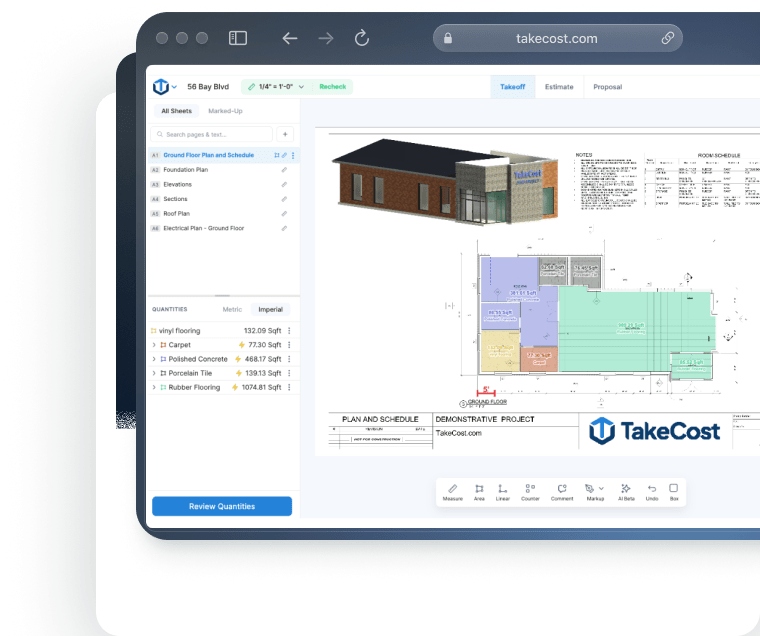
A takeoff tool should help you understand the plan and keep the next step clear. TakeCost pairs a simple interface with easy controls, AI guidance and search for details on your plans.
Your plan. Your tools. In view.
Compare the working view.
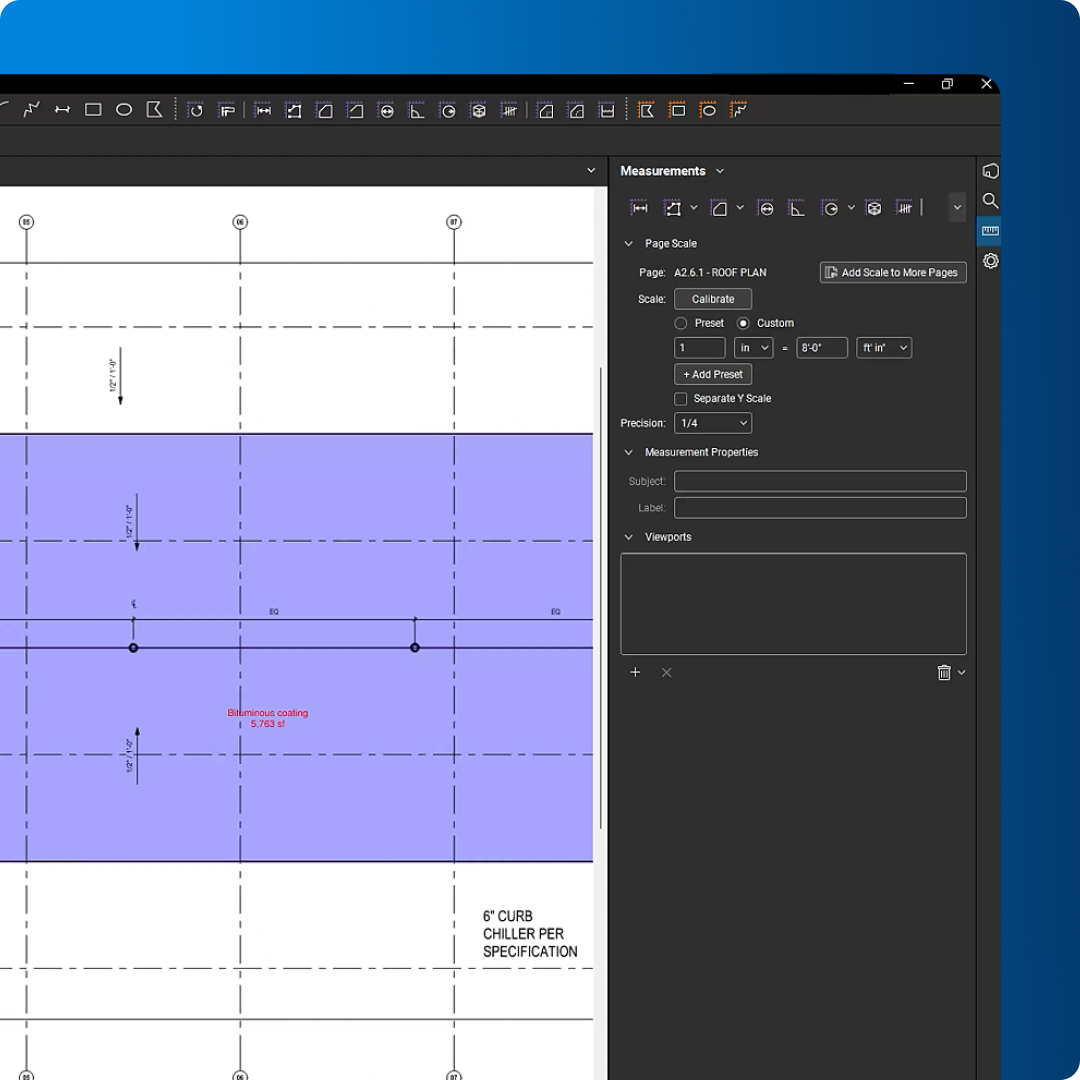
Controls that keep the task clear
Use TakeCost’s straightforward interface to measure areas, lengths and counts, then move into quantities and pricing.
A guide while you work
Ask TakeCost’s AI Assistant for help as you work through your takeoff. Get guidance when a question interrupts your flow.
Find details. Keep moving.
Search details on your plans to find information relevant to your scope and support your next estimating decision.
Visual sources: TakeCost · Bluebeam official product page. Checked October 17, 2026.
See how it feels with your own plan.
Try the controls, ask a question and follow a scope through to a proposal.
Compare the work behind a finished bid
Keep document review in perspective. Compare the whole estimating job.
Upload & measure
Drawings, scale, areas, lengths and counts.
Build quantities
Turn measured scope into material quantities.
Apply your costs
Materials, labour and markup.
Send a proposal
Present the scope and the price.
Choose the workflow your bids need
Bluebeam brings PDF markup, measurement and document collaboration together. TakeCost focuses on turning measured scope into quantities, costs, markup and proposals. If your next step after measuring is opening a spreadsheet and a quotation document, that is the workflow to compare.
Sources: bluebeam.com · takecost.com · 2
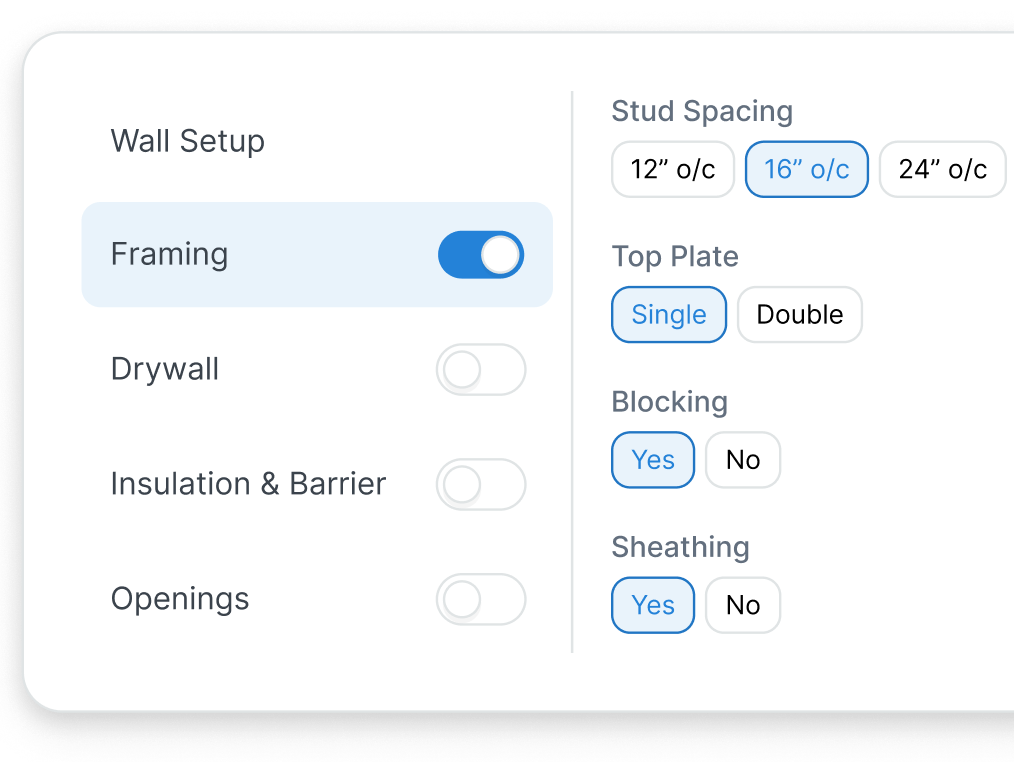
Keep valuable Excel calculations in view
Bluebeam Complete includes Excel Quantity Link. Established workbooks can be a strong reason to keep it. TakeCost offers a direct costing and proposal workflow; check one familiar scope against your workbook before deciding which calculations and handoffs you still need.
Sources: bluebeam.com · takecost.com · 2
Check desktop and browser requirements
Revu is a Windows desktop application; Bluebeam subscriptions also include web and mobile tools. Those experiences have different capabilities. TakeCost starts takeoff in the browser. Check the specific features you use on your normal estimating device, rather than treating browser access as feature parity.
Sources: bluebeam.com · takecost.com · 2
See the whole bid come together.
Try TakeCost with a drawing you already understand.
Evaluating a move from Bluebeam
Use one completed job to check these five points before switching.
- List the Bluebeam tools and subscription features you actually use.
- Keep approved PDFs, markups and the current Excel estimate as a baseline.
- Choose a familiar scope and recreate its takeoff in TakeCost.
- Check units, quantity calculations, material and labour rates, and markup.
- Review the proposal and exclusions; decide which PDF review duties stay in Bluebeam.
TakeCost or Bluebeam: which fits your next job?
Make the bid your focus.
Your priority is moving from takeoff quantities to a priced estimate and proposal in a browser.
Explore TakeCost free ↗Fit the tool to your operation.
PDF markup, document control and Studio collaboration are central to your job.
Three reasons to choose TakeCost
- Connect measured scope to material and labour costs, markup and proposals.
- Start with Core free for one new takeoff a month.
- Move to Accelerated at $49/month or $490/year for unlimited takeoffs.
TakeCost vs Bluebeam: frequently asked questions
Is TakeCost cheaper than Bluebeam?
Bluebeam’s published annual entry tiers can be lower than TakeCost’s $490 annual price. The useful comparison is the required tier and the full workflow: measuring, pricing and preparing a proposal. Confirm currency and billing terms before comparing totals.
Which Bluebeam plan supports advanced takeoff?
Core adds perimeters, counts, angles and volume beyond Basics’ length and area tools. Complete adds Dynamic Fill and Excel Quantity Link. Max adds AI and other advanced capabilities. Choose the tier around your actual workflow.
Does Bluebeam work on a Mac?
Revu is a Windows desktop application. Bluebeam subscriptions also provide web and mobile tools, so check the specific capabilities available there instead of assuming all desktop features have browser equivalents.
Does Bluebeam have AI?
Yes. Bluebeam Max markets AI drawing reviews, drawing comparisons and MCP integration, among other capabilities. Complete also includes measurement and batch automation. A current comparison should reflect those features.
Can I keep Bluebeam and use TakeCost for estimates?
Yes, you can evaluate that division of work. Bluebeam may remain useful for PDF review and collaboration, while TakeCost supports your takeoff-to-proposal process. Verify the sharing and export handoffs on a real project.
Sources and comparison methodology
Published by TakeCost from public vendor documentation checked October 17, 2026. Buyer-fit recommendations are our assessment; no common-plan speed or accuracy benchmark was performed. Confirm current prices, currency, plan entitlements and local terms with each vendor.
View official sources (5)
Research maintained by Gevoni · Updated October 17, 2026.
Make your next bid a TakeCost bid.
Bring a drawing from your trade. Measure a scope, add your material and labour costs, and see your proposal take shape.