
TakeCost vs Bluebeam.
From marked‑up plans
to a priced bid.
Compare Bluebeam’s PDF markup and measurement with TakeCost’s takeoff-to-proposal workflow.
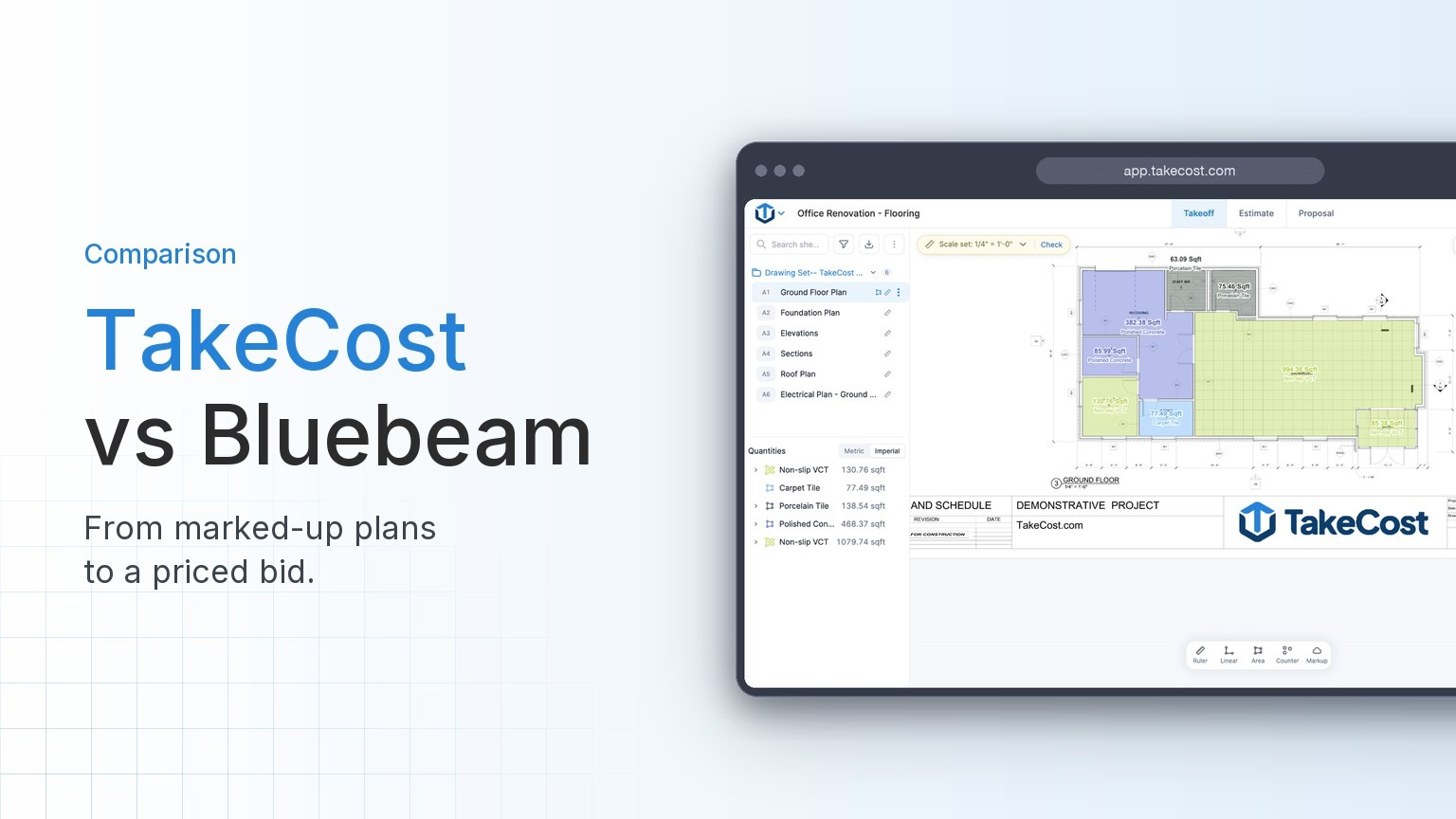
The quick answer
Your priority is moving from takeoff quantities to a priced estimate and proposal in a browser.
Why choose TakeCost
A simple interface, easy controls and AI Assistant guidance help you work through takeoffs. Search plan details, then carry scope into costs and proposals.
Bluebeam pricing vs TakeCost
Compare the plan, its billing terms and the work it covers, not just the monthly price.
From takeoff to proposal.
$49 a month, or $490 a year.
- Unlimited takeoffs
- Smart Scopes and material quantities
- Material/labour pricing and markup
- Proposal and export workflow
Bluebeam pricing
US list prices per user, billed annually.
PDF markup, document collaboration and Excel-linked quantities.
- Basics$260/user/yearFoundational PDF markup and length/area measurement
- Core$330/user/yearAdvanced measurement, document comparison and Studio hosting
- Complete$440/user/yearDynamic Fill, Excel Quantity Link and batch tools
- Max$590 USD/user/year introductoryAI review/comparison and advanced document workflows
US list prices per user, billed annually. Max is an introductory price. Checked October 23, 2026.
Which Bluebeam plan should you compare with TakeCost?
Bluebeam’s cheapest plan, Basics ($260 a year), only measures lengths and areas. To count items or measure volume, you need Core ($330) or Complete ($440).
TakeCost Pro is $490 a year and includes the takeoff, the pricing and the proposal in one place.
Feature comparison, without the guesswork
Both products may solve part of your job well. The useful question is how their documented capabilities fit your estimating process.
| What matters | TakeCost | Bluebeam |
|---|---|---|
| Main focus | Takeoff, quantities, costs, markup and proposals | PDF creation, markup, measurements and document collaboration |
| Public subscriptions | $49/month or $490/year (Pro); Free plan $0 | Annual per user: Basics $260, Core $330, Complete $440, Max $590 introductory |
| Measurement | Area, length, count and elevation takeoff | Basics length/area; Core adds advanced measurement types |
| Excel-centered work | Sharing/export within the estimating workflow | Complete includes Excel Quantity Link |
| Deployment | Browser workflow | Revu on Windows plus web and mobile tools |
| Automation | Smart Scope quantities connected to estimating | Complete Dynamic Fill/batch tools; Max adds AI document capabilities |
| New takeoff capacity | Free: one new takeoff file a month; Pro: unlimited | Compare relevant measurement features by subscription tier |
What it’s like to use
A takeoff tool should help you understand the plan and keep the next step clear. TakeCost pairs a simple interface with easy controls, AI guidance and search for details on your plans.
Your plan. Your tools. In view.
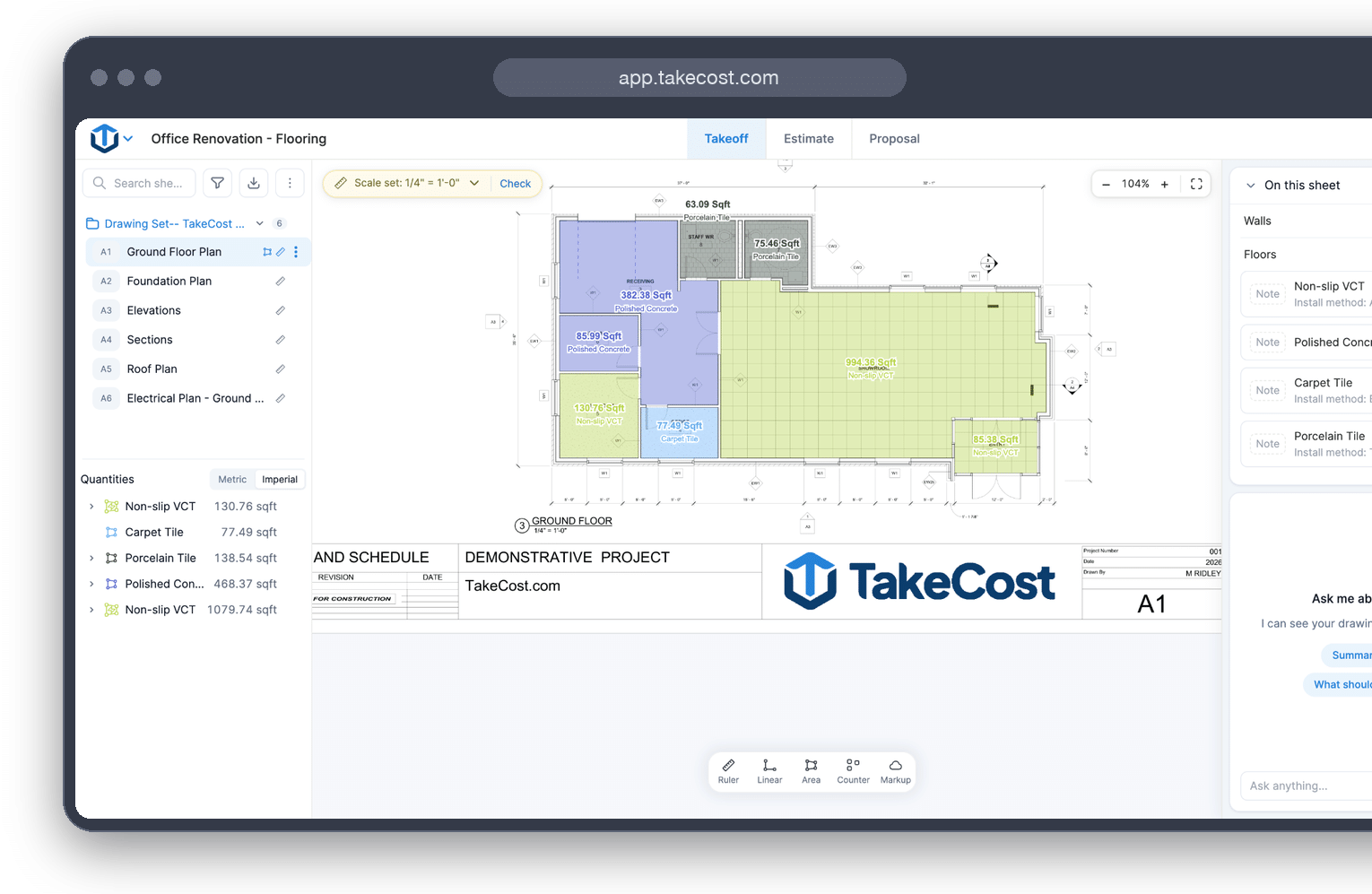
Compare the working view.
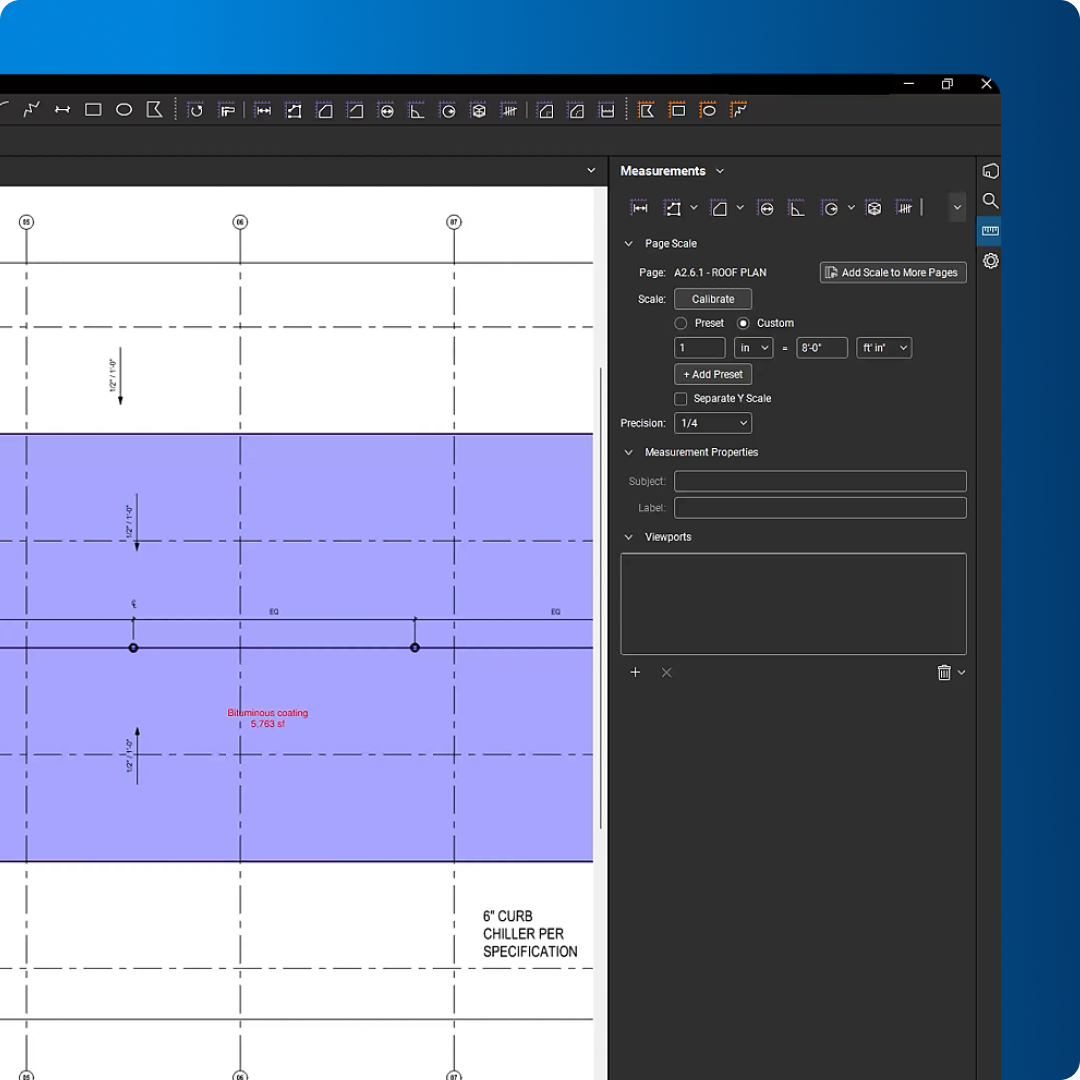
Controls that keep the task clear
Use TakeCost’s straightforward interface to measure areas, lengths and counts, then move into quantities and pricing.
A guide while you work
Ask TakeCost’s AI Assistant for help as you work through your takeoff. Get guidance when a question interrupts your flow.
Find details. Keep moving.
Search details on your plans to find information relevant to your scope and support your next estimating decision.
See how it feels with your own plan.
Try the controls, ask a question and follow a scope through to a proposal.
Compare the work behind a finished bid
Keep document review in perspective. Compare the whole estimating job.
Upload & measure
Drawings, scale, areas, lengths and counts.
Build quantities
Turn measured scope into material quantities.
Apply your costs
Materials, labour and markup.
Send a proposal
Present the scope and the price.
Choose the workflow your bids need
Bluebeam brings PDF markup, measurement and document collaboration together. TakeCost focuses on turning measured scope into quantities, costs, markup and proposals. If your next step after measuring is opening a spreadsheet and a quotation document, that is the workflow to compare.
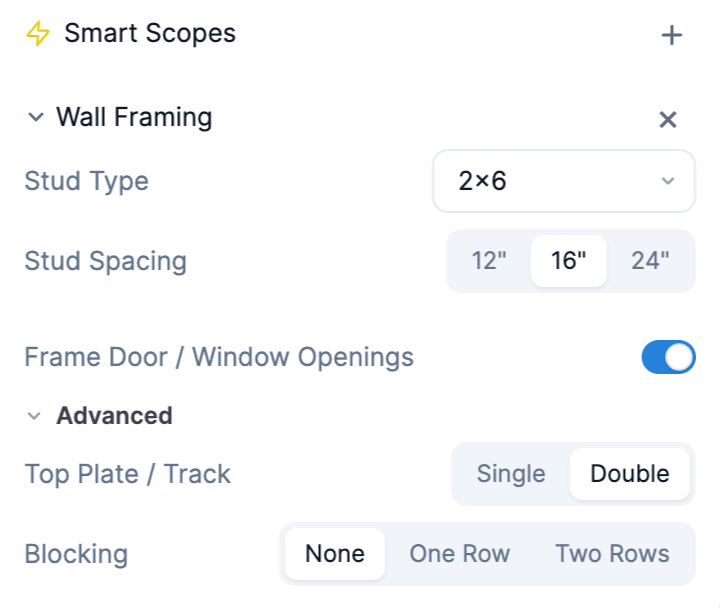
Already pricing in Excel?
Bluebeam Complete links quantities to an Excel workbook, so the pricing still happens in a spreadsheet. TakeCost prices the job and builds the proposal in the same project. Try one scope you already know and compare the totals.
Works on Mac and Windows
Bluebeam’s main app, Revu, runs on Windows only. TakeCost runs in your browser, so you get the same tools on a Mac or a Windows PC.
See the whole bid come together.
Try TakeCost with a drawing you already understand.
Evaluating a move from Bluebeam
Use one completed job to check these five points before switching.
- List the Bluebeam tools and subscription features you actually use.
- Keep approved PDFs, markups and the current Excel estimate as a baseline.
- Choose a familiar scope and recreate its takeoff in TakeCost.
- Check units, quantity calculations, material and labour rates, and markup.
- Review the proposal and exclusions.
TakeCost vs Bluebeam: frequently asked questions
Is TakeCost a good Bluebeam alternative for takeoffs?
Yes, if you want the takeoff, the pricing and the proposal in one place. TakeCost runs in your browser on a Mac or a Windows PC, and you can start on the free plan.
Is there a free version of TakeCost?
Yes. The free plan gives you 1 new takeoff file a month (it resets on the date you signed up), the takeoff tools, sharing and unlimited proposals. No credit card needed.
Which Bluebeam plan do you need for takeoffs?
Bluebeam Core ($330 a year) or Complete ($440), because Basics only measures lengths and areas. TakeCost Pro is $490 a year and also covers the pricing and the proposal.
Does Bluebeam work on a Mac?
Bluebeam’s main app, Revu, runs on Windows only. TakeCost runs in your browser, so it works on a Mac. We tested it in Chrome on macOS.
Do Bluebeam and TakeCost have AI?
Yes. Bluebeam Max adds AI drawing review and comparison. TakeCost has the Congic Assistant, which answers questions about your project in the app, and Pro adds AI speed tools such as Smart Suggestions.
Can TakeCost create the proposal too?
Yes. Price the job in the Estimate tab, then build and send the proposal from the Proposal tab. Pro adds 1-click proposals.
Can I switch from Bluebeam one job at a time?
Yes. Run your next job in TakeCost and compare it with your last one. You can start on the free plan.
Sources and comparison methodology
Published by TakeCost from public vendor documentation checked October 23, 2026. Buyer-fit recommendations are our assessment; no common-plan speed or accuracy benchmark was performed. Confirm current prices, currency, plan entitlements and local terms with each vendor.
View official sources (5)
- https://takecost.com/
- https://takecost.com/pricing/
- https://takecost.com/features/
- https://www.bluebeam.com/pricing/
- https://support.bluebeam.com/revu/subscription/subscription.html
Research maintained by Kati · Updated October 19, 2026.
Make your next bid a TakeCost bid.
Bring a drawing from your trade. Measure a scope, add your material and labour costs, and see your proposal take shape.