
Takeoff Software for Mac That Runs in Your Browser
Measure plans, price the job and send the proposal on a MacBook or iMac. There’s nothing to install, and you don’t need Windows, Boot Camp or Parallels.
Free Takeoffs Forever
No Credit Card Required
Nothing to Install
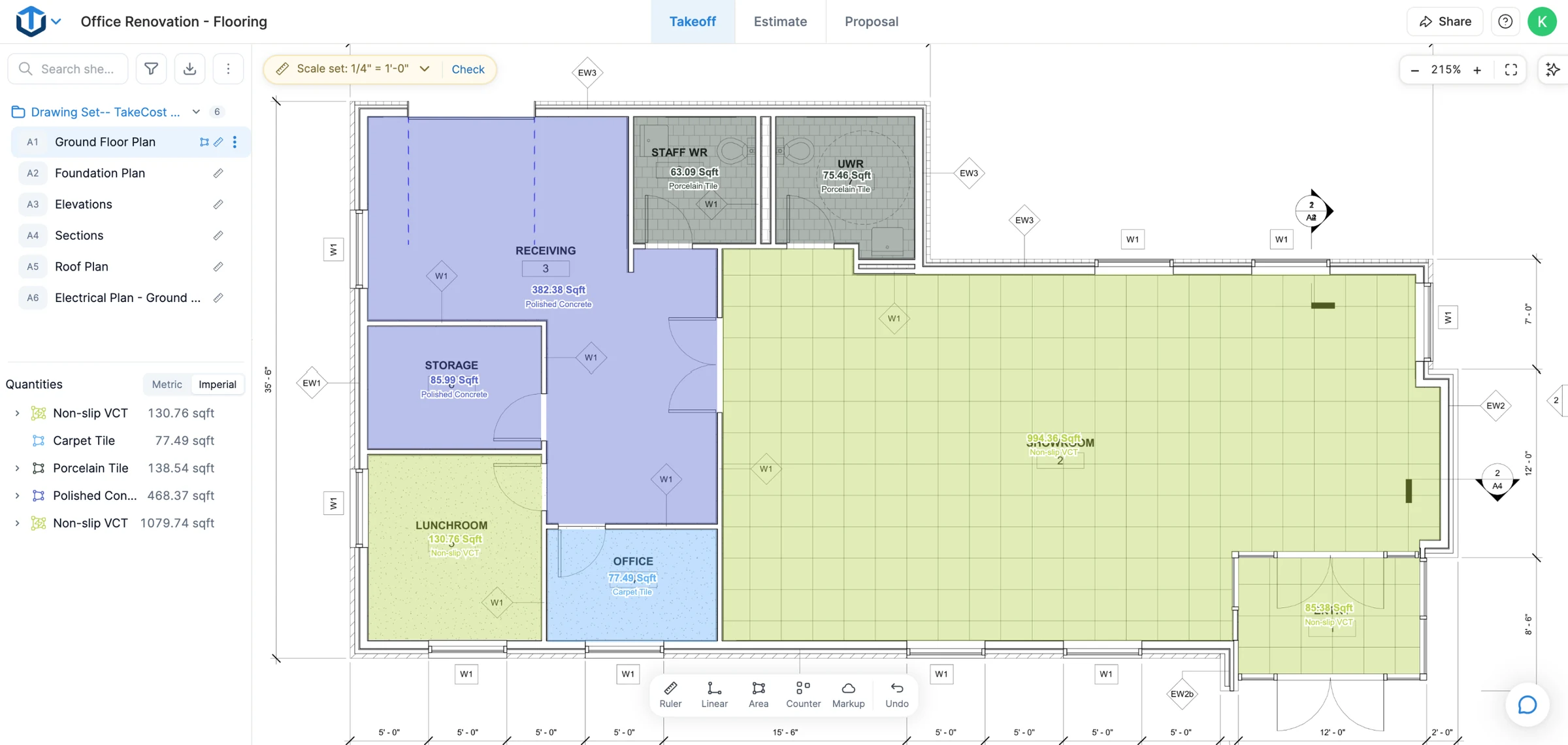
From Plans to Proposal
on Your Mac
We tested TakeCost on macOS 15.3 Sequoia in Chrome 155, on an Apple M2 MacBook:
uploading, measuring, the estimate and the proposal all run in the browser.
Upload your plans
Open TakeCost in your Mac’s browser and upload PDF, JPG or PNG plans. There’s nothing to install.
Measure and count
Measure lengths and areas and count items. Hold ⌘ to turn snapping on or off.
Build the estimate
Add unit costs and markup to your takeoff quantities in the Estimate tab.
Send the proposal
Turn the estimate into a client-ready proposal in the Proposal tab.
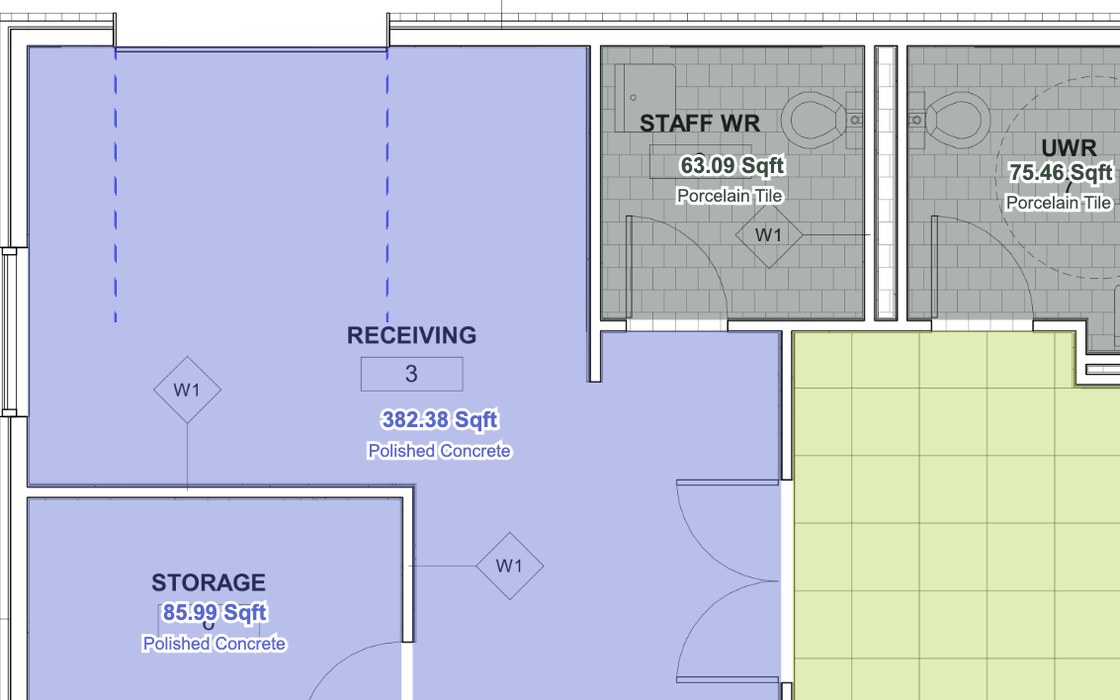
Made for the Way You Work on a Mac
The drawing tools show Mac keys, and there’s no Windows to set up.
Snapping on or off
Hold ⌘ while you draw to turn snapping on or off.
Draw freely
Hold Shift to place points freely.
Cancel
Press Esc to cancel the measurement you’re drawing.
Finish an area
Press Enter, or double-click, to close an area.
Windows takeoff software on a Mac
- Needs Windows in a virtual machine such as Parallels
- Boot Camp isn’t available on Apple M-series Macs
- Installed on a Windows computer
TakeCost on a Mac
- Opens in your browser, with nothing to install
- Runs on Apple M-series Macs (tested on an M2)
- Same account on a Mac, a Windows PC or a tablet
Comparing with one Windows program? Read TakeCost vs PlanSwift.
Takeoff software by trade
Pick your trade to see how TakeCost measures and prices the work.
Flooring takeoff software
Floor areas with cut-outs, plus underlayment, transitions and baseboard.
See flooring takeoffs →Drywall takeoff software
Board for walls and ceilings from your measured areas and wall heights.
See drywall takeoffs →Framing takeoff software
Wall framing from measured walls: studs, plates or track, sheathing, insulation and drywall.
See framing takeoffs →Concrete takeoff software
Walls, slabs, footings and piers or columns, with volume and reinforcement worked out.
See concrete takeoffs →Roofing takeoff software
Roof area from measured geometry and slope, with shingles and underlayment.
See roofing takeoffs →Painting takeoff software
Walls, ceilings, doors and trim measured from your plans, ready to price.
See painting takeoffs →Select the plan that best meets your needs
Built By Contractors & Estimators
Free
Measure & send bids free, forever
This plan includes:
- Full takeoff tools for area, length, and count
- 1 new takeoff file each month
- Invite others to share and review together
- Track opportunities & manage potential jobs
- Unlimited proposals & revisions
- Congic Assistant for quick help
Best for contractors getting started with takeoffs and proposals
Pro
Estimate faster. Control pricing. Win more work.
Save $98 • 2 months free
Everything in Free, plus:
- Unlimited takeoffs - Measure as many projects as you need. No monthly limits.
- Scope-based pricing - Assign multiple material and labour costs to each scope.
- 1-click proposals - Generate client-ready bids directly from your takeoffs.
- Export Spreadsheets & PDF’s Markups
- Structured Takeoff File - Organize takeoff by scope, unit, or model.
- Smart Scopes - Draw once and generate full material quantities.
- Priority support - Get help when you need it.
AI SPEED AUTOMATION FEATURES
- Smart Suggestions - Helps identify the takeoff systems from the plans.
- Auto scale & sheet naming - Automatically name and organize plan sheets.
- Estimate check - Flags missing scope and pricing gaps.
- Inclusions & exclusions - Generates clear scope coverage to protect bids.
Up to 2 takeoffs during the trial
Best for contractors who estimate often and need pricing control
Need more details before choosing a plan?
View Full PricingSee how TakeCost fits your workflow.
In one short demo, we’ll show how takeoff, pricing, and proposal-ready outputs work together, so you’re not rebuilding everything in spreadsheets.
Request a time
Pick a time that works best for you.
Your next takeoff
starts here
Upload your drawings now - No downloads required
Only upgrade if needed, with no commitments
Your files are saved in the cloud for easy access
Mobile Friendly
Free Takeoffs Forever
No Credit Card Required
Frequently asked questions
We have put together some commonly asked questions
Is there a TakeCost app to download for Mac?
No download is needed. TakeCost runs in your web browser, so you sign in and start measuring.
Which browser did you test on a Mac?
Google Chrome 155 on macOS 15.3 Sequoia, on an Apple M2 MacBook.
Do I need Parallels or Boot Camp to run TakeCost?
No. Those are only needed for Windows-only software. TakeCost runs in your Mac’s browser.
Does TakeCost work on an Apple silicon (M1, M2, M3) Mac?
Yes. We tested it on an Apple M2 MacBook.
What files can I upload?
PDF plans (single or multi-page), JPG and PNG.
Is TakeCost free to use on a Mac?
Yes. The free Core plan gives you 1 new takeoff file a month (it resets on the date you signed up), the takeoff tools, sharing and unlimited proposals. No credit card needed.
Is there a free trial of the paid plan?
Yes. New accounts get a 14-day Accelerated trial, with no credit card needed.
What does Accelerated add?
Accelerated ($49 a month, or $490 a year) adds unlimited takeoffs, Smart Scopes, scope-based pricing, 1-click proposals and the AI speed tools.
Can my team use Macs and Windows PCs on the same job?
Yes. Projects live in your TakeCost account, so you can share a job and open it from either.
Can I use TakeCost on an iPad too?
Yes. TakeCost also works on tablets and phones.