

Construction takeoff software helps contractors measure quantities from drawings more efficiently than manual workflows.
As project complexity increases and revisions become more frequent, many contractors move from paper-based measuring to digital tools. But not all takeoff software is built the same.
This guide explains what to look for and how to evaluate the best construction takeoff software for your workflow.
What Construction Takeoff Software Does
Takeoff software allows contractors to:
- Upload and scale drawings
- Measure areas, lengths, and counts
- Organize quantities by trade or material
- Adjust measurements when revisions occur
- Export quantities for estimating
Its primary goal is simple: measure accurately and manage quantities clearly.
Key Features to Look For
When comparing takeoff software, contractors typically evaluate:
1. Measurement Accuracy
The tool should allow precise scaling and consistent measurement across sheets.
2. Speed and Workflow
Look for software that allows quick measuring without repetitive setup.
Efficiency becomes critical on large drawing sets.
3. Revision Handling
Drawings change. Good software makes it easy to:
- Upload updated sheets
- Compare revisions
- Adjust quantities without starting over
4. Organization and Reporting
Strong platforms allow you to:
- Group quantities by category
- View totals clearly
- Export cleanly to estimating tools
Disorganized data creates downstream friction.
5. Accessibility
Some software is desktop-based.
Some is cloud-based.
Cloud-based systems often allow:
- Access from multiple devices
- Easier collaboration
- Automatic updates
The right choice depends on team size and workflow structure.
Desktop vs Cloud Takeoff Software
Desktop software:
- Installed locally
- Often requires licensing per device
- May store files on local machines
Cloud-based software:
- Accessed through a browser
- Allows centralized file management
- Supports remote access
For teams working across locations or managing multiple projects at once, cloud accessibility can simplify workflow management.
Evaluating Software for Your Business
Before selecting takeoff software, consider:
- How many projects you measure per month
- How often drawings are revised
- Whether quantities connect directly to estimating
- How your team shares data
- Budget constraints
The best construction takeoff software is not the one with the most features, it’s the one that fits your workflow.
Where TakeCost Fits
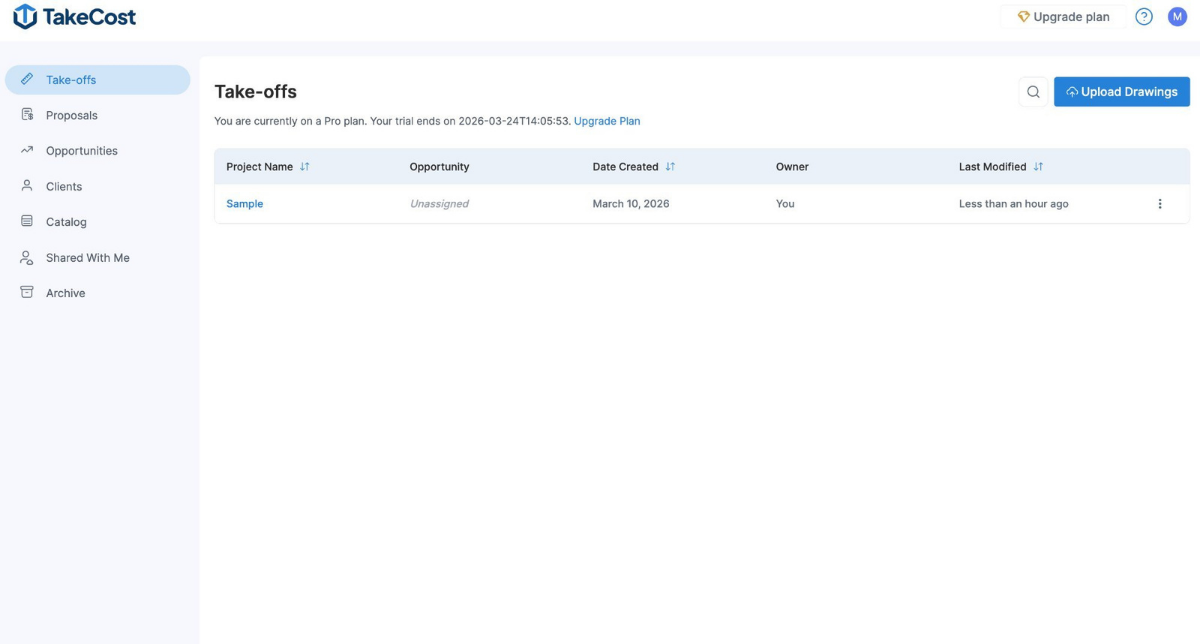
TakeCost is designed to measure and organize quantities in a connected workflow.
Because it keeps takeoffs and estimating in one system, quantities flow directly into pricing without double entry.
This reduces revision friction and simplifies project updates.
For a full breakdown of the takeoff process itself, see:
👉 How to Do a Takeoff in TakeCost
Final Thoughts
Construction takeoff software should improve clarity, speed, and revision management.
Manual workflows may still work for small projects. But as project volume increases, digital tools can reduce rework and improve consistency.
The key is choosing a system that supports how your team actually works not one that forces unnecessary complexity.